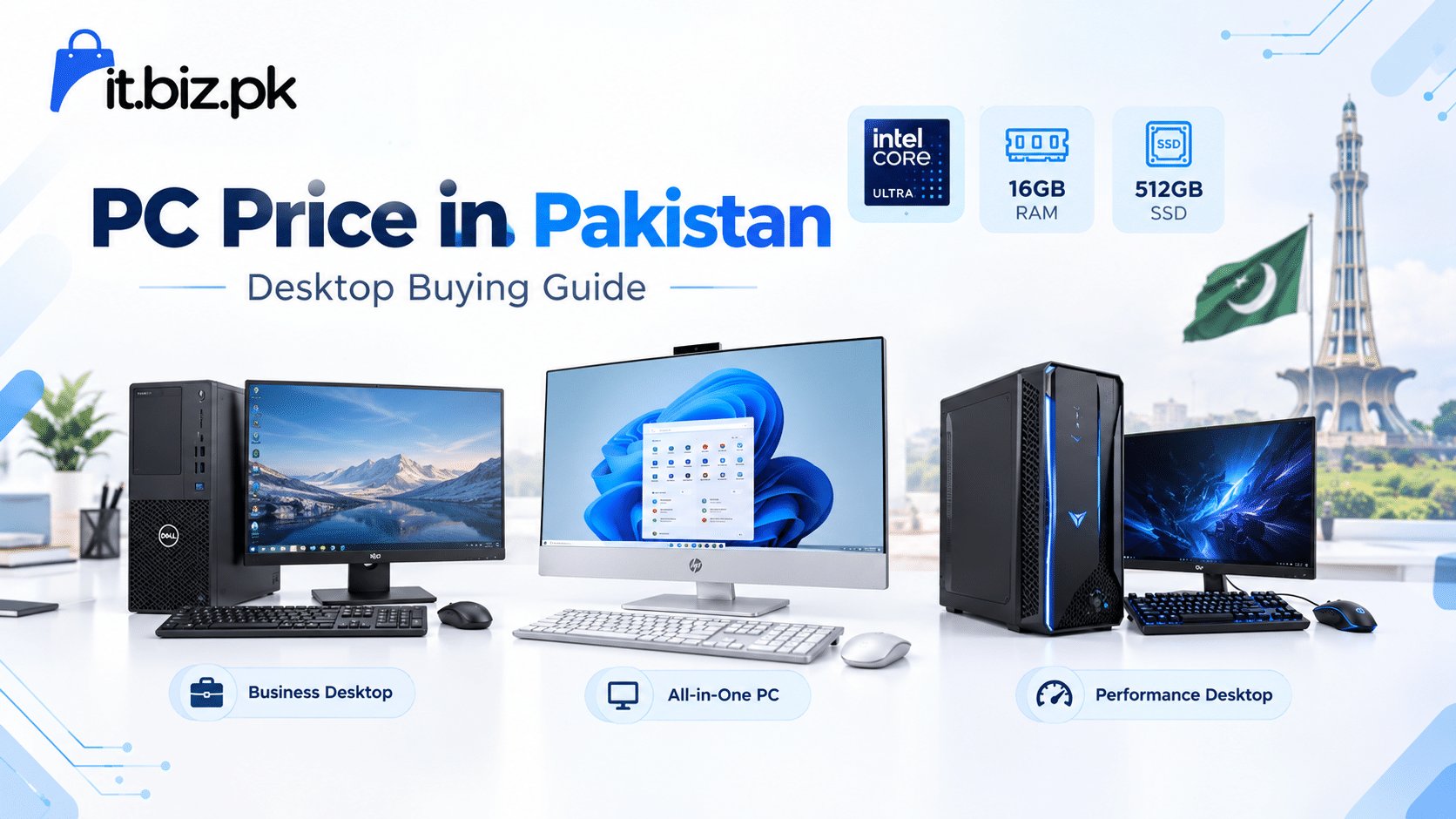
If you are searching for PC price in Pakistan, you will find many options in the market. Desktop computers are available in different sizes, specifications, brands, and price ranges. The right PC depends on how you plan to use it. A computer for office work does not need the same hardware as a gaming PC or a professional workstation.
At IT.BIZ.PK, customers can explore desktop computers from well-known brands such as Lenovo, Acer, and Dell. The available range includes tower desktops, business PCs, and All-in-One computers. You can explore the latest options through the Desktops category on IT.BIZ.PK.
This guide explains what affects PC price in Pakistan, which specifications you should check, and how to choose a desktop that matches your needs.
What Affects PC Price in Pakistan?
Several factors affect the price of a desktop computer. The processor, RAM, storage, graphics, brand, and overall design all play an important role.
Processor
The processor is one of the most important parts of a PC. Modern desktops may use Intel Core or Intel Core Ultra processors, while other systems use processors designed for specific business and professional workloads.
For basic office tasks, browsing, documents, and business software, a mid-range processor can provide smooth performance. However, professionals who use demanding applications may need a more powerful processor.
RAM
RAM helps your computer handle multiple tasks at the same time. A PC with more RAM can generally manage several applications and browser tabs more comfortably.
For normal office work, 8GB or 16GB RAM can be suitable depending on the software you use. Users working with demanding applications may benefit from higher memory capacity.
Storage
Storage also affects the overall desktop computer price. Modern PCs commonly use SSD storage because SSDs provide faster startup and application loading than traditional hard drives.
A 512GB SSD can provide a useful balance for many office and home users. However, people who store large files, videos, projects, or business data may require additional storage.
Desktop PC Price in Pakistan for Different Users
There is no single PC that works perfectly for everyone. Your usage should guide your purchase.
PCs for Office and Business
Business users usually need a reliable computer for documents, spreadsheets, accounting software, web applications, emails, meetings, and other everyday tasks.
Business desktops such as the Lenovo ThinkCentre and Dell Pro Tower range can be suitable for professional environments. A compact tower can also make it easier to upgrade or maintain the system later.
PCs for Home Use
A home computer may be used for browsing, online learning, entertainment, documents, video calls, and general tasks. You do not always need an expensive workstation for these activities.
An All-in-One PC can be a practical option for home users because the computer components and display are combined into one unit. This can help save desk space and create a cleaner setup.
PCs for Professional Work
Professionals who use design software, development tools, data applications, or other demanding programs should pay close attention to processor performance, RAM, storage, and graphics capabilities.
In these cases, spending more on suitable hardware can provide better productivity and a smoother working experience.
PC Price in Pakistan: Desktop vs All-in-One PC
When comparing computers, you may come across both traditional desktop towers and All-in-One PCs.
A traditional desktop usually separates the computer tower from the monitor. This design can offer more flexibility for upgrades and component replacement.
An All-in-One PC combines the main computer hardware with the display. It usually takes up less space and provides a simple, modern appearance.
For an office where desk space matters, an All-in-One can be a useful choice. On the other hand, users who want easier component upgrades may prefer a traditional desktop tower.
Important Specifications to Check Before Buying a PC
Before comparing the PC price in Pakistan, look beyond the price tag. Check the complete specifications and make sure they match your requirements.
First, check the processor model and generation. Then look at the RAM capacity and storage type. If you need graphics performance, also check whether the computer has integrated or dedicated graphics.
You should also check the operating system. Some desktop computers are sold with Windows, while others may come with DOS or without a pre-installed operating system.
Warranty is another important factor. A suitable warranty can provide additional peace of mind, especially when you purchase a computer for business use.
Why Brand and Build Quality Matter
The brand can also influence the price of a desktop computer. Established manufacturers often provide different product families for home, business, and professional users.
Lenovo ThinkCentre desktops, for example, are designed around business computing requirements, while Lenovo IdeaCentre systems include All-in-One options. Acer Veriton systems also target business and professional environments. IT.BIZ.PK currently lists desktop options from these brands along with Dell systems.
However, you should always compare the actual specifications instead of choosing a computer based only on the brand name.
How to Choose the Right PC on Your Budget
Start by deciding what you need the computer to do. Make a list of the applications and tasks you use regularly.
If you mainly work with documents, emails, web browsing, and business applications, a business desktop with a suitable processor, 8GB or 16GB RAM, and SSD storage may be enough.
If you work with heavier software, consider a stronger processor, more RAM, faster storage, and suitable graphics hardware.
For home users, an All-in-One PC can provide a simple setup. Meanwhile, businesses may prefer tower desktops because they can fit easily into professional workstations and offer upgrade flexibility.
Most importantly, do not buy specifications that you will never use. Instead, spend your budget on the components that directly improve your everyday work.
Where to Check Desktop PC Options in Pakistan
Finding the right computer becomes easier when you can compare different models and specifications in one place. IT.BIZ.PK offers a dedicated desktop category where customers can explore available desktop systems.
The current category includes models such as Lenovo ThinkCentre Neo 50T, Acer Veriton S2720G, Lenovo IdeaCentre All-in-One systems, and Dell Pro Tower. Product availability and prices can change, so it is useful to check the category for the latest listings before making a purchase.
You can visit the IT.BIZ.PK Desktops category to explore the available options.
Final Thoughts on PC Price in Pakistan
The PC price in Pakistan depends on many factors, including the processor, RAM, SSD capacity, graphics, brand, design, and warranty. Instead of choosing a computer based only on price, compare its specifications with your actual requirements.
For office work, a reliable business desktop can provide the performance you need. For limited desk space, an All-in-One can offer a clean setup. For demanding workloads, a higher-performance desktop may be a better fit.
Take time to compare the specifications, check the warranty, and choose a system that can handle your daily workload. With the right research, you can find a desktop computer that provides useful performance without paying for unnecessary features.
Frequently Asked Questions
What is the PC price in Pakistan?
PC prices in Pakistan vary according to the processor, RAM, storage, graphics, brand, and other specifications.
Which PC is best for office work?
A reliable business desktop with a modern processor, sufficient RAM, SSD storage, and a suitable warranty can work well for office tasks.
Is an All-in-One PC better than a desktop tower?
An All-in-One saves desk space, while a traditional desktop tower usually provides more flexibility for upgrades and component replacement.
How much RAM should a PC have?
For many everyday and office tasks, 8GB or 16GB RAM can be suitable, while demanding workloads may require more memory.
Where can I find desktop PCs in Pakistan?
You can explore desktop computers and compare available models through the IT.BIZ.PK Desktops category.
For more Tech Products visit Projector.com.pk