
Printer Price in Pakistan 2026 | Latest Models
Laser, ink-tank and multifunction printers and scanners from HP and Canon.
Products
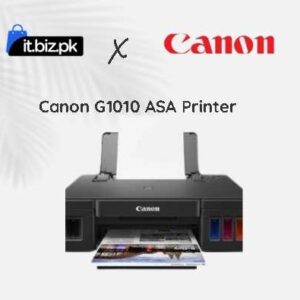
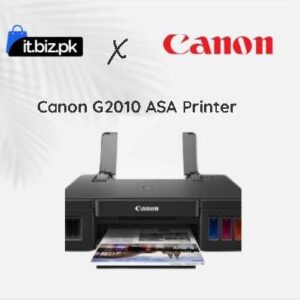
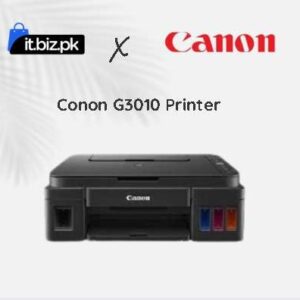
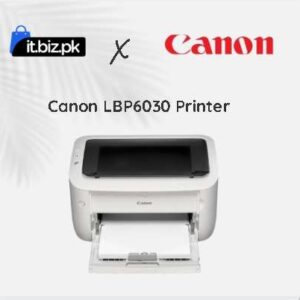
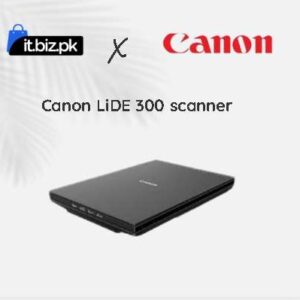
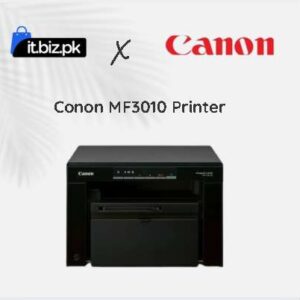
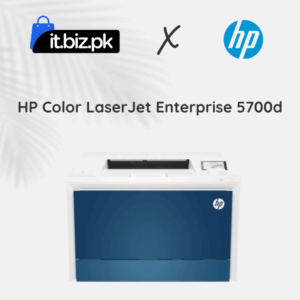
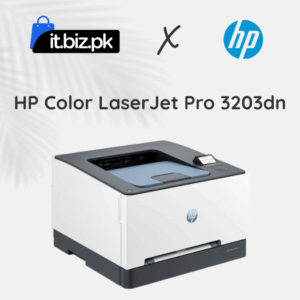
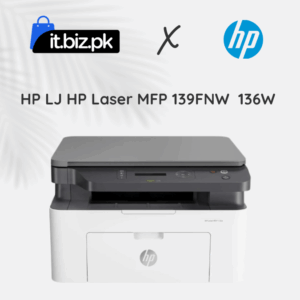
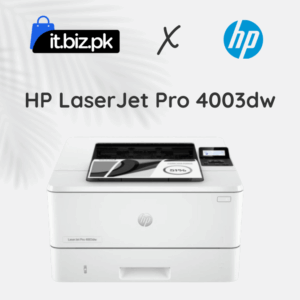
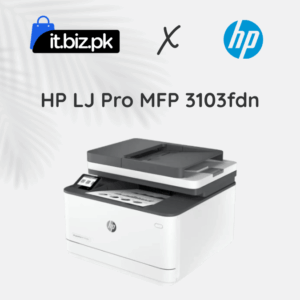
Printers are essential devices for homes, offices, schools and businesses. They help users print documents, assignments, reports, photographs and business materials. Whether you need a printer for daily office work or professional photo printing, choosing the right model can save time and money.
The printer price in Pakistan depends on the brand, printing technology, speed, resolution, connectivity and additional features. You can find affordable inkjet printers, economical ink tank models, fast laser printers and multifunction devices.
At IT.BIZ.PK, you can explore different printer options and compare their features to find a suitable device for your requirements.
Printer Price in Pakistan
Printer prices vary according to their type and specifications. Basic printers are suitable for occasional home use, while advanced models are designed for offices and businesses with higher printing needs. Some important factors that affect printer prices include:- Printing technology: Inkjet, ink tank and laser printers have different costs.
- Print speed: Faster printers are useful for offices with high printing volumes.
- Print quality: Higher resolution can produce sharper text and images.
- Connectivity: Wi-Fi, USB and network connections affect convenience.
- Functions: Printing, scanning, copying and faxing features can increase the price.
- Running costs: Ink, toner, maintenance and replacement parts affect long-term expenses.
Popular Printer Brands in Pakistan
Several international brands offer printers for personal, educational and professional use.HP Printers
HP is one of the popular printer brands in Pakistan. Its products are available for home users, offices and large businesses. HP offers LaserJet, DeskJet, Smart Tank and OfficeJet printer series. These printers support different printing requirements, from basic document printing to professional colour printing. Popular models include HP LaserJet 108W, HP LaserJet M141w, HP LaserJet M236dw and HP Smart Tank 580. HP printers are worth considering if you need reliable printing, wireless connectivity or multifunction features.Canon Printers
Canon offers printers for home, office and photography applications. Its PIXMA series includes inkjet and ink tank models for everyday printing and colour photographs. Canon also offers imageCLASS and i-SENSYS laser printers for business documents. Popular examples include Canon PIXMA G3410, Canon PIXMA G1020 and Canon i-SENSYS LBP6030. Canon is a good brand to compare if you need photo printing, colour documents or everyday office printing.Epson Printers
Epson is well known for its EcoTank ink tank printers. These printers use refillable ink tanks instead of traditional small cartridges. Popular models include Epson EcoTank L3215, L3250, L3270, L5290, L6270 and L8050. Epson printers are suitable for homes, schools, offices and photo printing. Many models offer wireless printing and multifunction features.Brother Printers
Brother provides printers for home offices, businesses and professional environments. Its range includes monochrome laser printers, colour printers and multifunction devices. Brother printers are popular for document printing, especially where speed and regular printing are important. Models such as Brother HL-L2350DW are worth comparing for office use.Pantum Printers
Pantum offers affordable laser printers for home users and small businesses. Its products include monochrome laser printers with USB and wireless connectivity on selected models. The Pantum P2200 and P2500W are examples of compact printers for everyday document printing.Types of Printers Available in Pakistan
Understanding printer types can help you choose the right device.1. Inkjet Printers
Inkjet printers use liquid ink to print text and images. They are suitable for home users, students and people who need colour printing. These printers can produce good-quality photographs and colourful documents. However, users should consider ink replacement costs and how frequently they print.2. Ink Tank Printers
Ink tank printers use refillable ink containers. They are designed for users who print regularly and want to reduce the cost per page. Epson EcoTank and selected Canon MegaTank models are examples of this category. They are useful for schools, homes, small businesses and offices with regular colour printing needs.3. Laser Printers
Laser printers use toner instead of liquid ink. They are generally suitable for users who print large numbers of text documents. Monochrome laser printers are useful for invoices, reports, assignments and office paperwork. Colour laser printers can also produce professional colour documents. HP LaserJet, Brother and Canon offer different laser printer options.4. All-in-One Printers
All-in-One printers combine several functions in one device. Depending on the model, they can print, scan and copy documents. Some also support faxing. They are useful for offices and homes where space is limited and multiple functions are required.5. Photo Printers
Photo printers are designed to produce high-quality photographs. They support colour printing and can offer better photo detail than standard document printers. Epson photo printers and selected Canon PIXMA models are worth considering for photography and creative work.6. Multifunction Laser Printers
Multifunction laser printers combine printing, scanning and copying with laser technology. Some business models also include faxing and automatic document feeders. They are suitable for offices that need fast document handling and regular printing.How to Choose the Best Printer in Pakistan
Before purchasing a printer, compare the following specifications.Printing Requirements
First, decide what you want to print.- For occasional home printing, consider an affordable inkjet printer.
- For regular colour printing, consider an ink tank printer.
- For high-volume document printing, consider a laser printer.
- For scanning and copying, choose an All-in-One model.
- For professional photographs, consider a dedicated photo printer.
Print Speed
Print speed is usually measured in pages per minute (PPM). A printer with a higher PPM rating can handle larger workloads more quickly. For home use, moderate printing speed may be enough. Busy offices should consider faster models.Print Resolution
Print resolution is measured in dots per inch (DPI). A higher resolution can improve the detail and sharpness of printed output. For normal documents, standard print resolution is usually sufficient. Photo printing may require higher-quality output.Connectivity
Modern printers offer different connection options, including:- USB
- Wi-Fi
- Ethernet
- Wireless Direct
- Mobile printing support
- Cloud printing on supported models
Duplex Printing
Automatic duplex printing allows a printer to print on both sides of a page. It can reduce paper use and save time. This feature is especially useful for offices, schools and businesses that print many documents.Ink and Toner Costs
Do not select a printer based only on its purchase price. Check the price and availability of replacement ink bottles, cartridges and toner. A low-cost printer may become expensive to operate if its consumables are costly.Best Printer for Home, Office and Business Use
Different users have different printing needs. For students: An affordable inkjet or ink tank printer can handle assignments, notes and school projects. For home users: A wireless multifunction printer is useful for printing, scanning and copying. For small businesses: An ink tank printer can be suitable for regular colour documents, while a monochrome laser printer may be better for invoices and paperwork. For large offices: A high-speed multifunction laser printer with network connectivity and automatic duplex printing can improve productivity. For photographers: Choose a photo printer with suitable colour quality and supported photo paper sizes.Why Buy Printers from IT.BIZ.PK?
IT.BIZ.PK helps customers explore technology products and compare different solutions in Pakistan. When choosing a printer, compare the brand, printing technology, speed, resolution, connectivity and running costs. These details help you select a product that suits your budget and printing requirements. Whether you need a printer for home, education, office work or business operations, explore available models and confirm the latest prices before purchasing.Frequently asked questions
Laser or ink tank?
Choose laser for high-volume black-and-white documents and ink tank for colour printing at low cost per page.
What is an MFP printer?
An MFP (multifunction printer) can print, scan and copy, and some models also fax.